Skip to content
Home » Linux » Bash » Page 6

Bash

Get a Grip on Arithmetic, File and String Operators

Bash is known for its flexibility, versatility, and ease of use. In this blog, we’ll explore the various bash operators and how they can be used. Prerequisites Before diving into the bash operators, it’s important to have a basic understanding of the following concepts: Bash Operators: An Overview Bash operators… Read More »Get a Grip on Arithmetic, File and String Operators
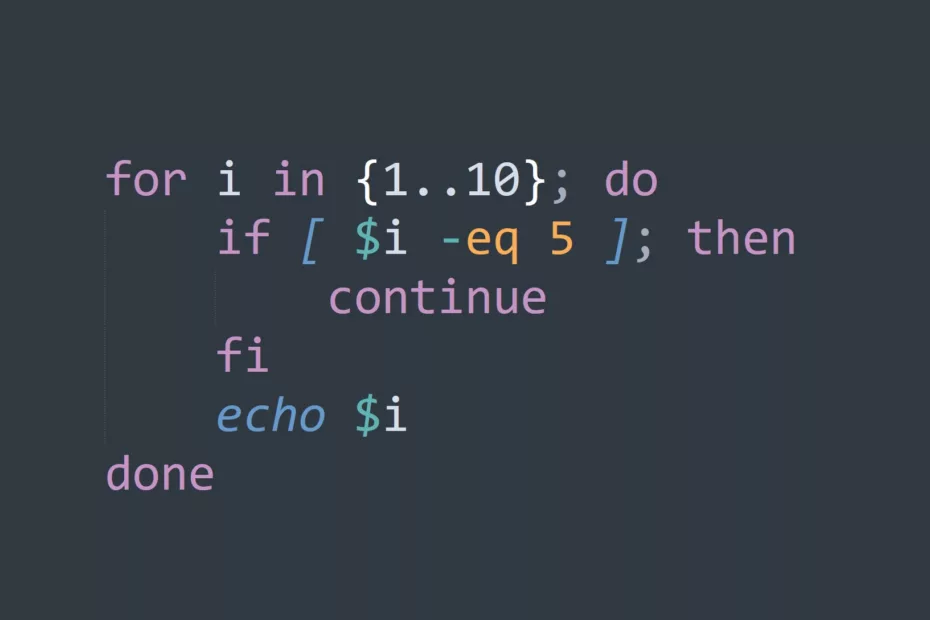
Skip Over Repetitive Tasks with the Continue Command

Are you tired of repetitive tasks in your Linux terminal? If so, the “continue” command is your solution! In this blog, we’ll cover everything you need to know about the “continue” command and how to make the most of it. The “continue” command is a built-in command in the bash… Read More »Skip Over Repetitive Tasks with the Continue Command

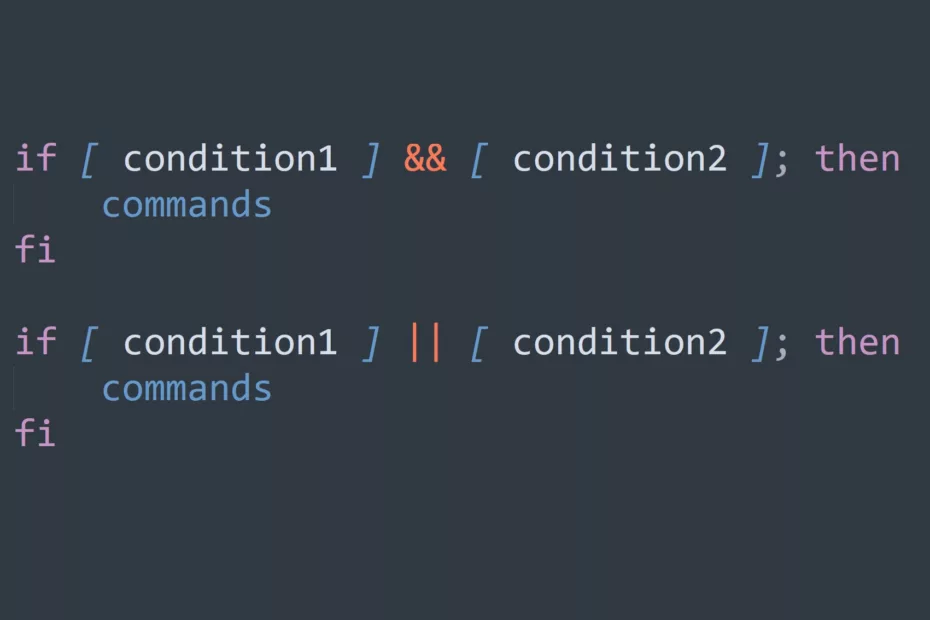
Control the Flow of Your Script with Bash Conditionals

Bash conditionals are an essential part of scripting in the Unix shell. They allow you to control the flow of your script based on conditions or variables that you specify. With bash conditionals, you can create complex scripts that can make decisions and execute commands based on a variety of… Read More »Control the Flow of Your Script with Bash Conditionals

Manipulate Loops and Conditional Statements with the Break Command

As a Linux user, you must be familiar with loops and conditional statements. The break command is one of the most important commands to master if you want to manipulate these structures efficiently. What is the Linux Break Command? The break command is used in the context of loops and… Read More »Manipulate Loops and Conditional Statements with the Break Command

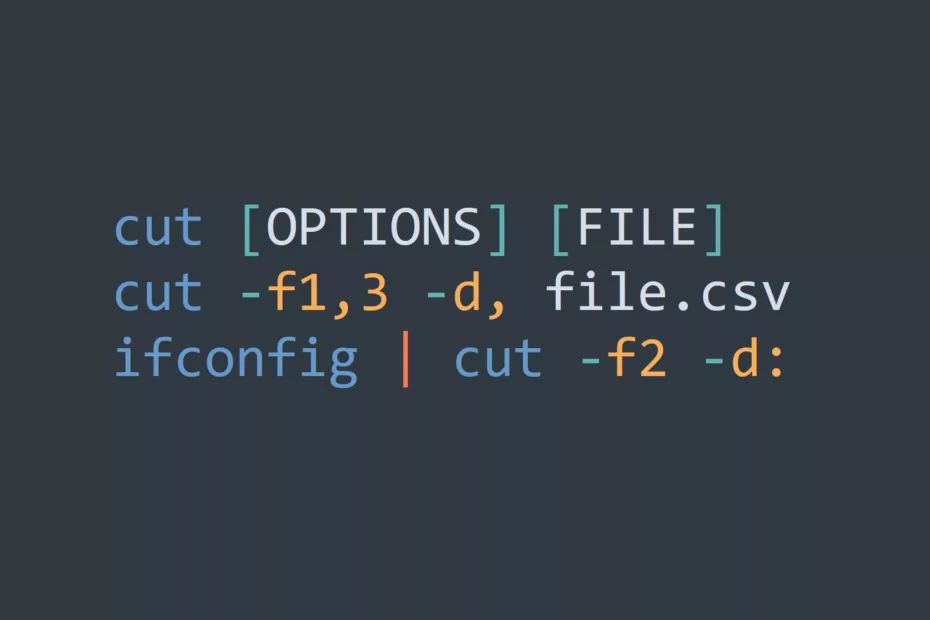
Extract Data from Logs, CSV Files, and System Outputs With Cut Command

The Linux Cut Command is a powerful utility that enables you to extract and manipulate specific parts of text files, making it an essential tool, but also a simple way for automation. Whether you’re dealing with logs, CSV files, or system outputs, the cut command allows you to quickly and… Read More »Extract Data from Logs, CSV Files, and System Outputs With Cut Command

Capture, Monitor, Analyze & Troubleshoot Network Traffic with Tcpdump

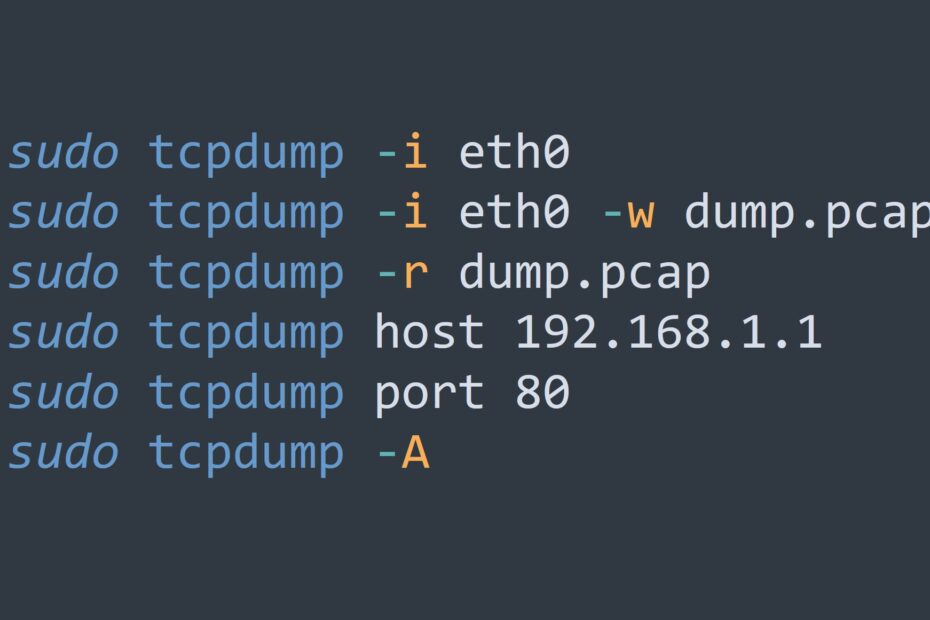
Tcpdump is a packet analyzer that runs on the command line. It captures network packets and displays the information contained in them in a human-readable format. It can capture packets from a specific interface, a host, or a network, and can filter the packets based on various criteria, such as… Read More »Capture, Monitor, Analyze & Troubleshoot Network Traffic with Tcpdump

Comparing IT Automation Tools For Configuration Management

IT automation is a rapidly growing area in the IT field. Organizations are increasingly relying on automation to reduce costs, increase efficiency, and improve the quality of their IT services. Bash Scripts Bash scripts can be used to automate tasks such as setting up and configuring servers, creating backups, and… Read More »Comparing IT Automation Tools For Configuration Management