Skip to content
Home » Windows » Page 2

Windows

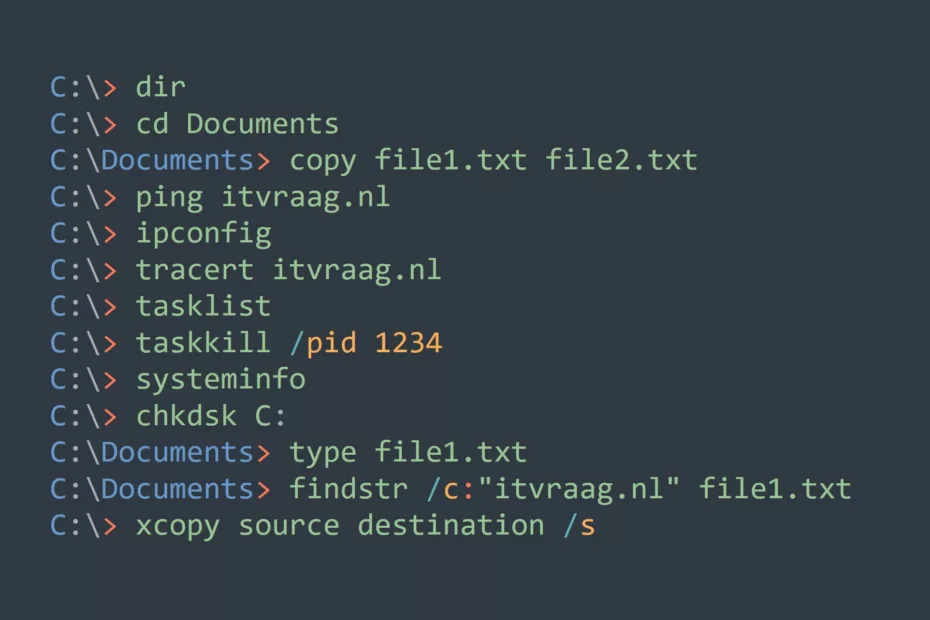
The Most Useful Windows Commands for Everyday Tasks

TLDR; This article covers the most useful Windows commands for everyday tasks, including basic file management, network-related commands, and system-related commands. Some of the most important commands covered are dir (Directory listing), cd (Change directory), copy (Copy files), ping (Test network connectivity), tasklist (List running processes), systeminfo (Display system information),… Read More »The Most Useful Windows Commands for Everyday Tasks

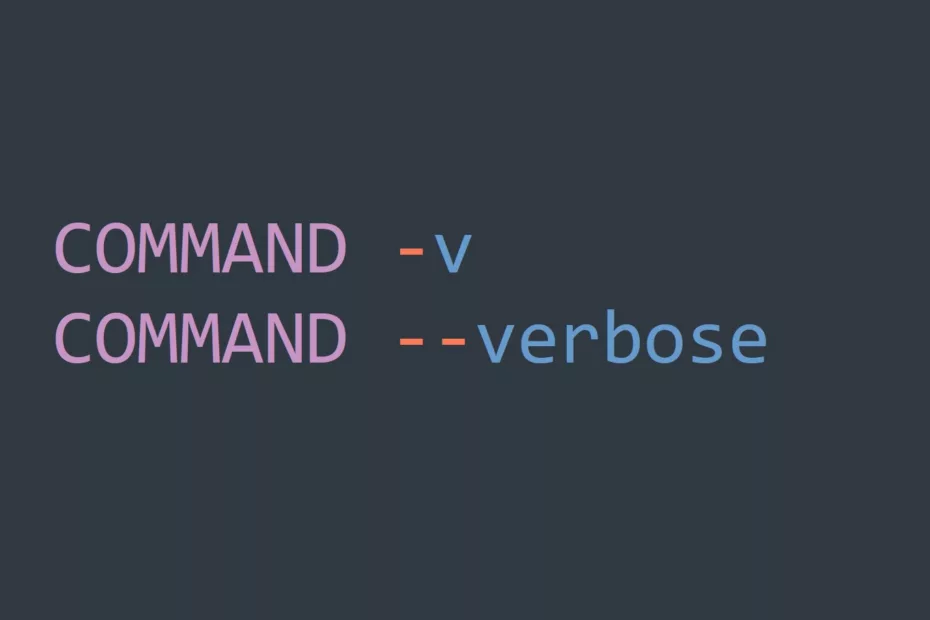
Master Verbose Mode for More Insightful Command Line Use

TLDR; Verbose mode in the CLI can be enabled by using an appropriate command-line option (e.g. v for tar). It is useful for debugging, understanding commands, and troubleshooting scripts and automation. Verbose mode is supported by many Unix commands, package managers, and build systems. It is important to understand the… Read More »Master Verbose Mode for More Insightful Command Line Use

Step-by-Step Guide For Using Basic Windows Commands For Automation

Windows commands can be used to automate various tasks and improve your productivity. In this guide, we will walk you through the steps of using Windows commands for automation. This guide is aimed at users who have prior knowledge of the command line interface and Windows operating system. Prerequisites Before… Read More »Step-by-Step Guide For Using Basic Windows Commands For Automation